How to Transcribe a Video to Text — Including Hindi, Telugu and Hinglish
To transcribe a video to text you upload it to a transcription service, tell it (or let it detect) the language, and read the result against the audio before you trust it. That last step is the one every "three easy steps" article skips, and it is the whole job when the video is in Hindi, Telugu, Tamil or the Hinglish most Indian creators actually speak — because an Indic transcript rarely fails by producing nonsense. It fails by producing something that looks right.
This guide covers the four ways to get text out of a video, which one to use for what, how to check a transcript in five minutes, and what changes when the video is not in English.
The short version
- Decide what the text is for. Reading, searching or quoting needs plain text; editing or captioning needs word timestamps.
- Pick the method: the platform's automatic captions for a rough read, a transcription tool for timestamps, an editor like VidCarve when you will cut the video from the text, a human for a legal record.
- Set the language if you know it; let detection decide if the video mixes languages.
- Check five things — names, numbers, the script, the timing and the speakers — before using a word of it.
The four ways, and what each is for
1. The platform's automatic captions
YouTube generates captions for uploaded videos and lets you open them as a transcript with timestamps. Free, no upload beyond the one you already did, and adequate for finding where something was said. Not adequate for publishing: it is English-first, its Hindi is a rough draft, its Hinglish is guesswork, and you cannot correct names without editing every caption line by hand.
2. A transcription tool
You upload the file, choose a language, and get back text with timestamps, usually with a TXT and an SRT download. This is the right choice when the transcript is the product — show notes, a blog post, subtitles for a video you have already finished editing. The things that separate a good one from a bad one for Indian languages are covered below; the price is usually a few rupees a minute or a monthly allowance.
3. A transcript editor
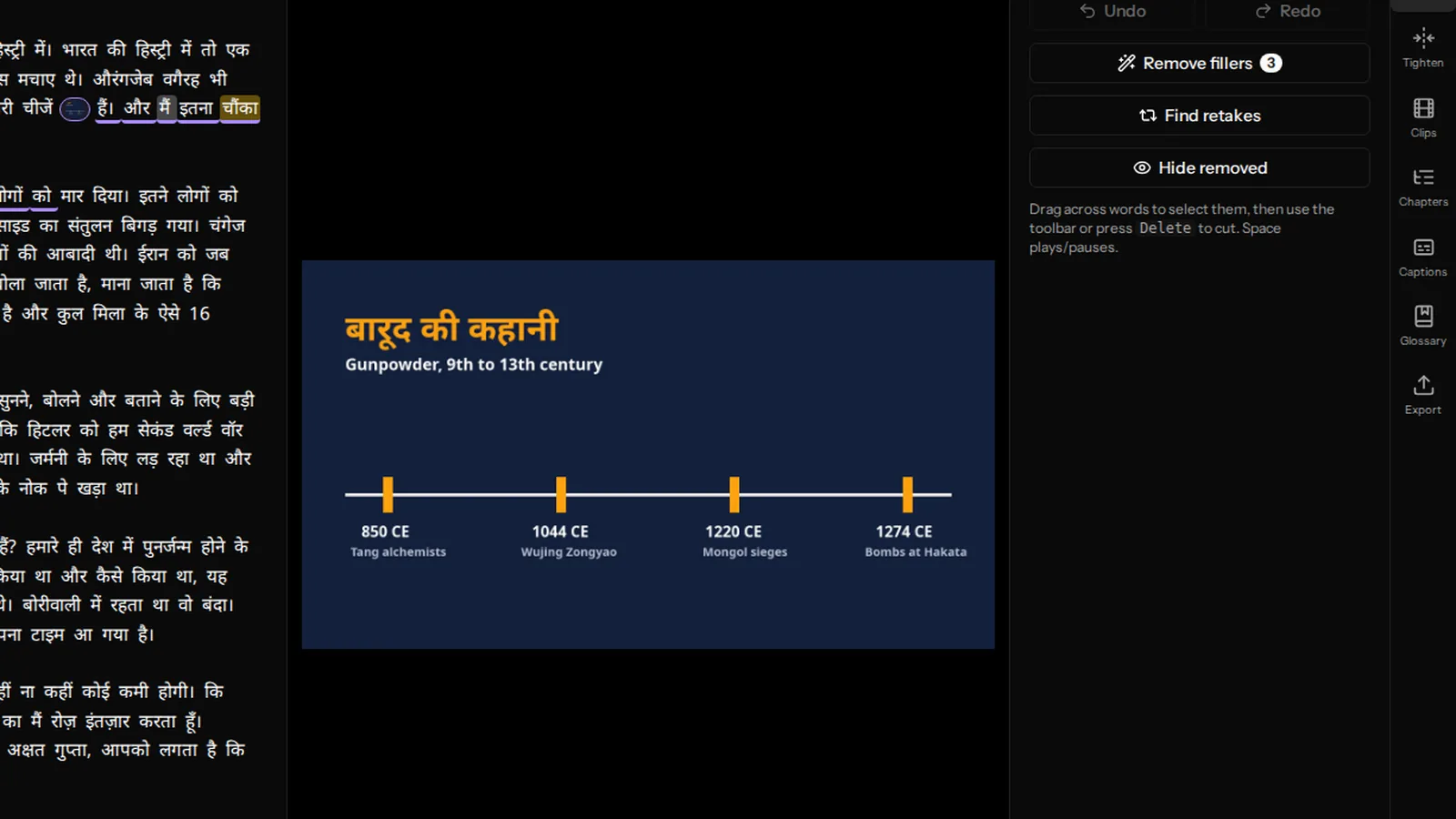
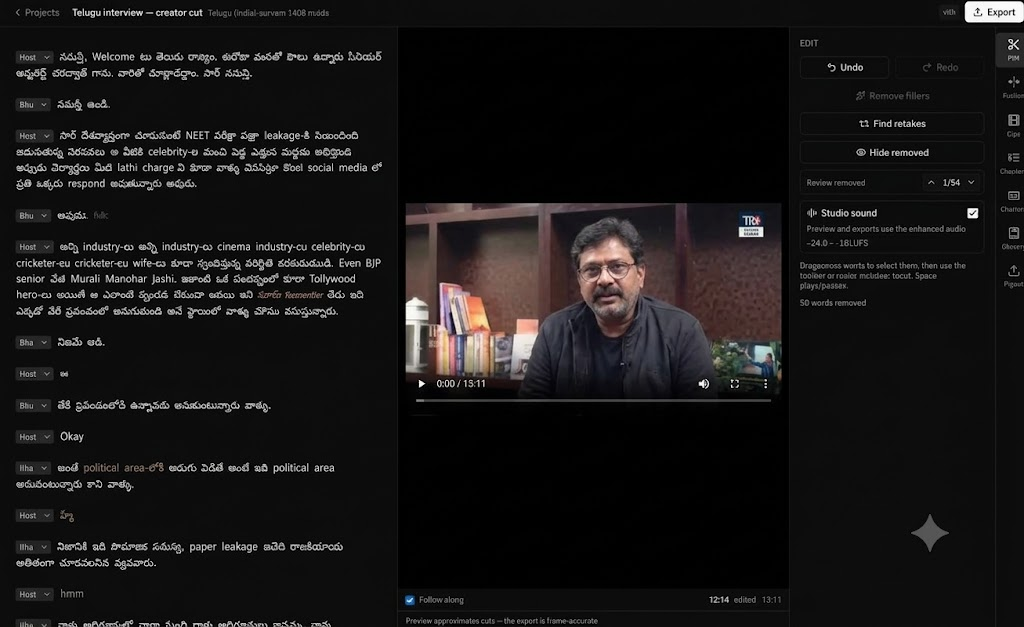
Tools like Descript in English, and VidCarve for Indian languages, transcribe the video and then let you cut the video by editing the text: delete a sentence and it is gone from the video. The transcript is the means, not the end. Choose this when you are going to edit — the transcript you would have paid for anyway comes with the editor, with word-level timing, speaker labels and a glossary for names. Be aware of the trade: VidCarve, for instance, does not offer a TXT or SRT download of the transcript today; the text is for editing and for burned-in captions.
4. A person
For a court record, a medical transcription, or a published interview where every word will be quoted, an automatic transcript is a first draft for a human to correct, not a finished product. Budget for it on those jobs and nowhere else.
Step by step, with timestamps
Using VidCarve as the example, because the steps are the same everywhere and the Indic-specific ones are where it differs:
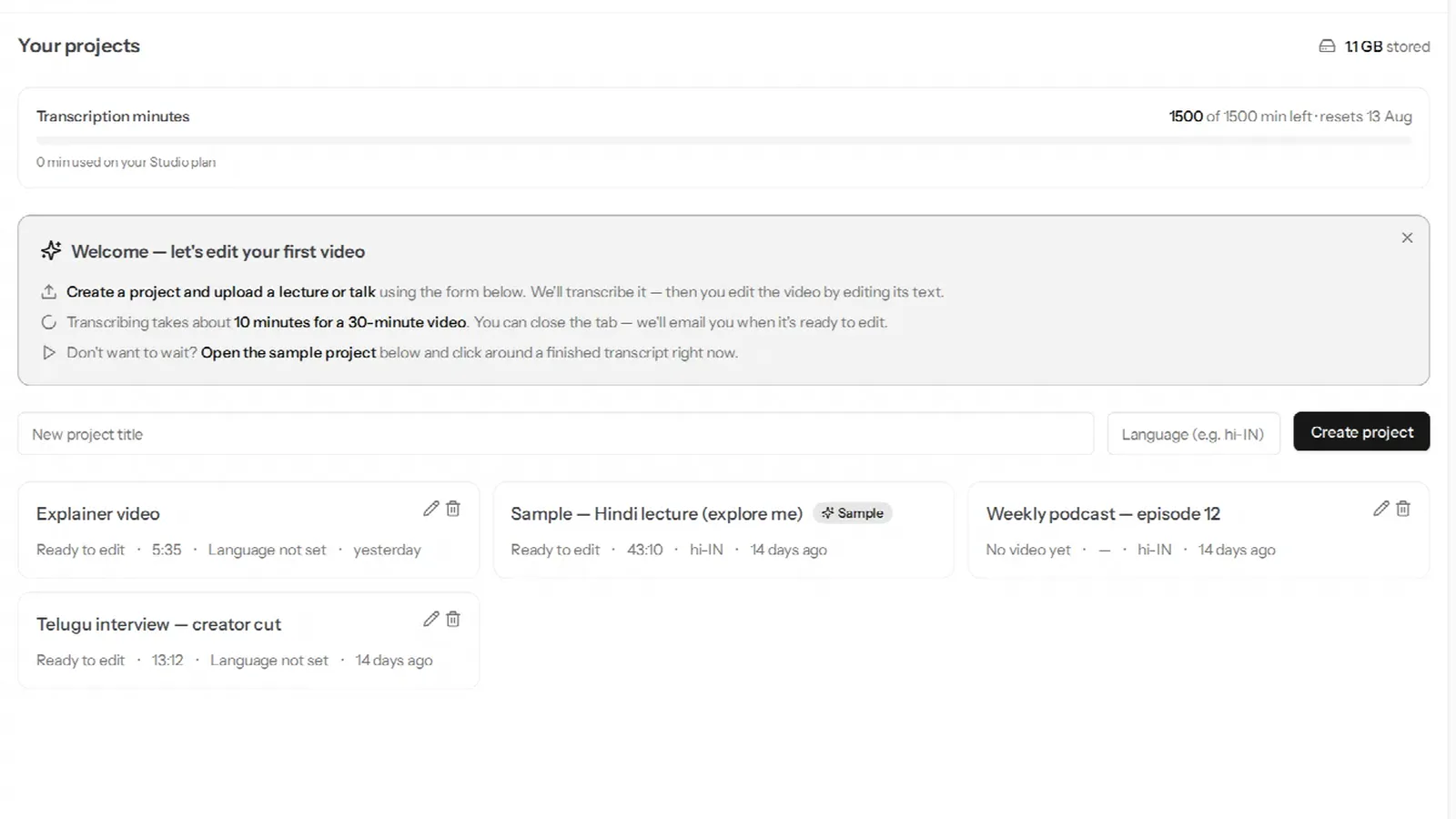
- Create a project and set the language hint —
hi-IN,te-IN,ta-IN, and so on — or leave it on auto-detect. Auto-detect is the right choice for a code-mixed video, where a fixed hint can push the whole transcript into one language. - Add names and jargon to the glossary before uploading. Product names, people, place names in a non-standard spelling. The glossary is applied during transcription, so it has to be there first.
- Turn on Multiple speakers if there is more than one. This is decided before transcription and cannot be added afterwards.
- Upload. A 30-minute video takes about ten minutes; you get an email when it is ready.
- Read it against the audio. Click any word to hear that moment. This is the check below.
How to check a transcript in five minutes
Do not read the whole thing. Check five things, each of which fails in a characteristic way:
- Names. Search for the three proper nouns you say most. If they are wrong, they are wrong every time, and a glossary term fixes all of them at once on the next run.
- Numbers. Find a sentence with a figure in it — a price, a year, a percentage. Automatic transcripts are weakest on numbers spoken quickly, and a wrong number is the error that gets you a comment.
- The script. For an Indic video: is Hindi in Devanagari and English in Latin letters, or has one been forced into the other? A Hindi transcript that comes back entirely in Roman letters, or an English term rendered phonetically in Devanagari, is a sign the pipeline chose one language and transliterated the rest. Worse is the silent version — the transcript is a fluent translation into English and nobody notices.
- The timing. Click a word two-thirds of the way through the video. If the audio you hear is a second or two off, the timestamps have drifted, and every caption after that point will be late. Good pipelines align per word; cheap ones interpolate.
- The speakers. Click three paragraphs from different people. Are they labelled differently, and consistently? A split speaker (one person labelled as two) is cheap to fix by merging; a merged speaker (two people labelled as one) is not.
If all five pass, the transcript is good enough to edit from and caption with. If one fails, you now know which fix to apply: glossary, re-run with a different language setting, or a different tool.
What is different about Hindi, Telugu and Hinglish?
Three things, all of them invisible in a demo on an English video.
Code-mixing is the normal case, not the edge case. A Hindi tech tutorial is roughly a third English by word count. A pipeline that has to decide one language per file will get a third of it wrong; one that decides per phrase gets both right, in their own scripts. Ask any tool you are evaluating what its Hinglish output looks like before you pay for it.
Timestamps are harder to get right. Word alignment for Indic languages is less mature than for English, so drift — the fourth check above — is more common. It matters more, too, because burned-in captions are the standard for Indian-language video on phones, and a late caption is worse than none.
The vocabulary is local. Government schemes, brands, festivals, place names, honorifics — a general model has heard few of them. This is exactly what a glossary is for, and the tools built for the market have one. A longer diagnosis of each failure mode is in why AI transcription struggles with Indian languages.
Getting the text out
If you need a document: a transcription tool's TXT export, or copying the text from a platform's transcript panel. If you need subtitles for a video you have finished: an SRT from a transcription tool, or burned-in captions from an editor. If you are going to cut the video: an editor, and the transcript stays inside it as the thing you edit — which is the case this site is mostly about. The trade-offs between an SRT file and burned-in captions are laid out in burned-in captions for Hindi and Indian languages.
Frequently asked questions
Can I transcribe a video for free?
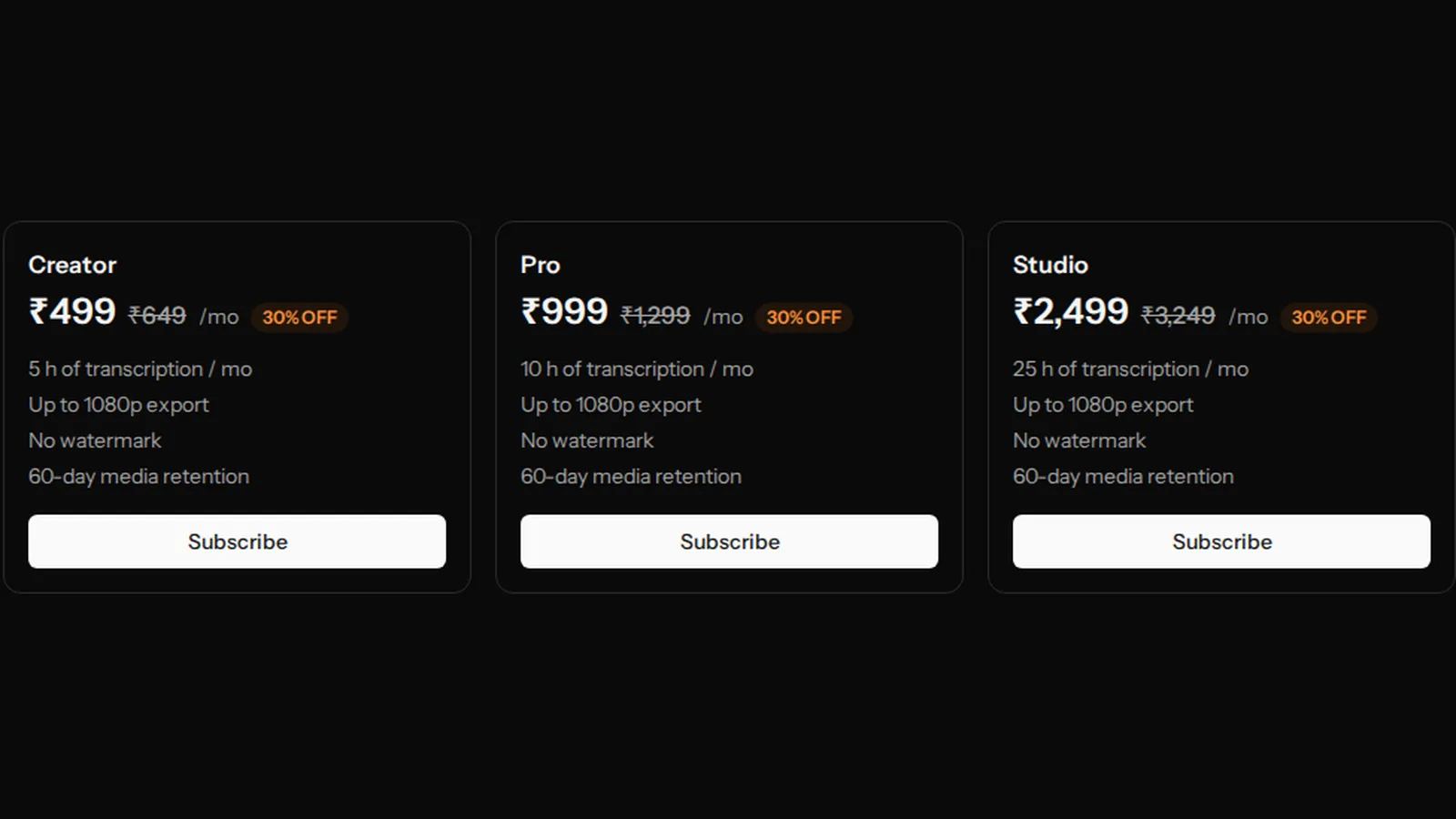
Yes, up to a point. YouTube's automatic captions are free for anything you upload. Most tools, VidCarve included, have a free allowance — 30 minutes a month in VidCarve's case — which is enough to judge the quality on your own footage before paying.
How accurate is automatic transcription?
On clear English with one speaker, good enough that a human proofread finds only a handful of errors per thousand words. On Hindi or Telugu with clean audio, close behind. On a noisy room, overlapping speakers or heavy code-mixing, the errors cluster around exactly the words that matter — names, numbers, technical terms — which is why the five checks are worth the five minutes.
How long does it take?
Automatic services run faster than real time: roughly ten minutes for a thirty-minute video, sometimes much less. A human takes four to six hours per hour of audio.
Does the transcript include timestamps?
Depends on the tool. Platform captions give you a timestamp per caption line; transcription tools usually per line or per paragraph; editors per word, because they need it to cut. If you plan to make captions or clips, per-word is the one to want.
Can I get a Hindi transcript in Roman letters (Hinglish) instead of Devanagari?
Some tools offer a transliteration setting. Be clear about which you want before running it: Devanagari for a Hindi audience reading captions, Roman for a mixed audience and for search. VidCarve keeps each word in the script it was spoken in — Devanagari for Hindi, Latin for English — and does not transliterate.
Next steps
- Get accurate Hindi, Hinglish and regional-language transcripts — the settings that decide the quality.
- Why AI transcription struggles with Indian languages — the five failure modes in depth.
- Edit a video by editing its transcript — what to do once you have one.