Where Your Videos Live: Projects, Storage, Retention and Deleting in VidCarve
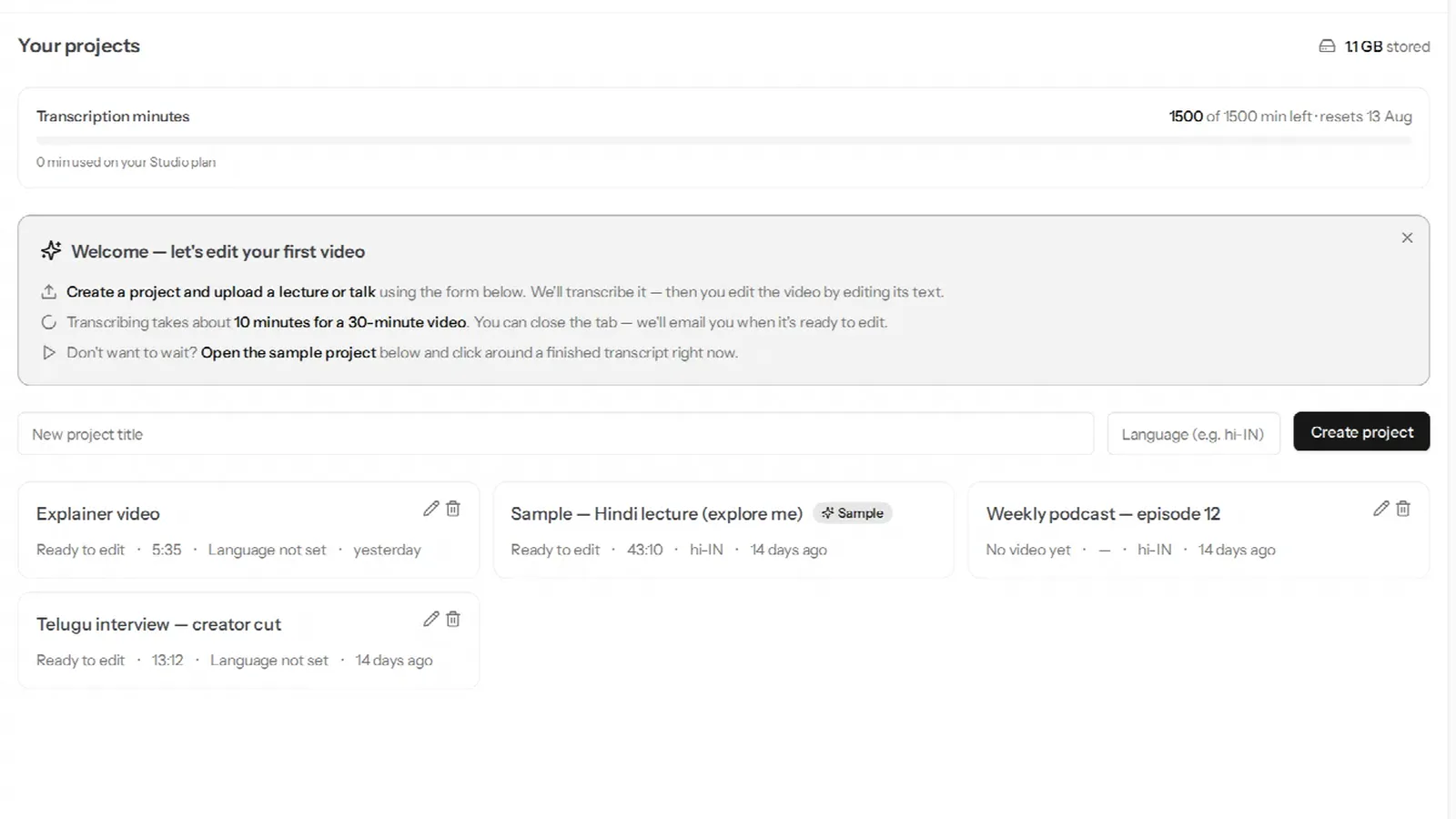
A VidCarve project is one uploaded video and everything made from it: the transcript, your edit history, clips, chapters, caption style, B-roll and every export. The video itself is the part that takes up space, and it is the only part with a clock on it — 7 days on the free plan, 60 on a paid one. This page explains what a project holds, what the storage number counts, what retention removes and what it deliberately leaves alone, and what deleting does.
The short version
- One project, one video. Uploads, edits and exports all hang off it.
- Storage used is the size of your video files and what was derived from them, summed across projects — the sample project is not counted.
- Retention removes the source video 7 days (free) or 60 days (paid) after upload. It keeps exports, the transcript, your edits, clips and chapters.
- A warning email goes out three days before.
- Deleting a project is permanent, removes everything including exports, and runs as a background sweep.
What is in a project?
The project list (Projects in the sidebar) shows one card per project: its state — No video yet, Processing, Ready to edit, Failed or Deleting… — the video's length, the detected language, and when it was last touched. The pencil renames it; the trash icon deletes it.
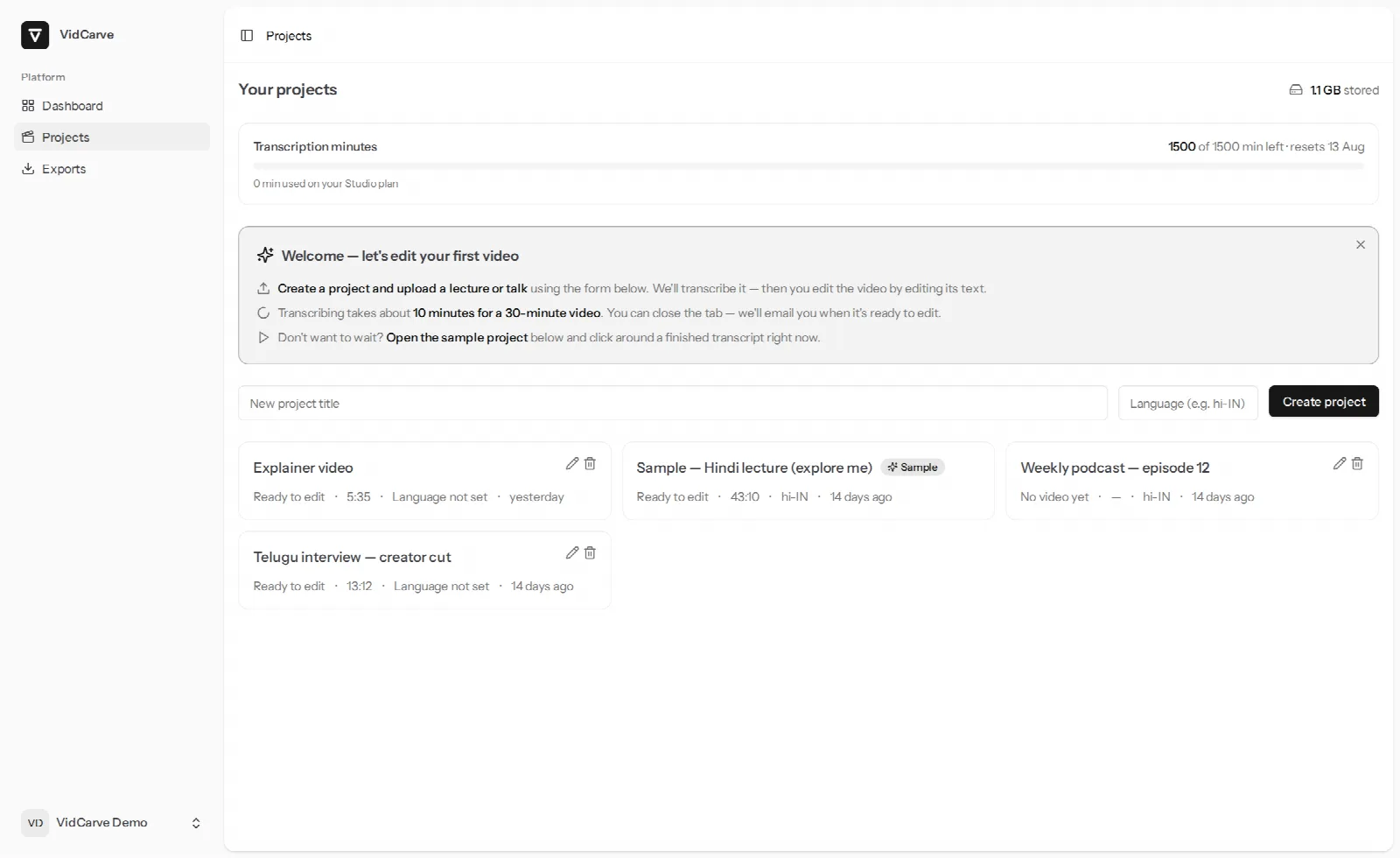
Behind each card sit two kinds of things:
- Media — the original upload, the lighter copy the editor plays, the extracted audio, the waveform and thumbnails, the cleaned audio if Studio sound is on, any B-roll you uploaded, and every export.
- Data — the transcript, the versioned list of cuts that Undo walks through, speaker names, glossary terms scoped to this project, clip proposals and their keep/discard status, the chapter outline, the caption style and the vertical crop.
The distinction matters because retention treats them differently.
What does "storage used" count?
The media, in bytes, across all your projects — shown at the top of the project list and on the dashboard. It is a running total for your information; there is no storage cap to hit on any plan today. The sample project every account starts with is excluded, since its media is shared and costs you nothing.
A rule of thumb: an hour of phone video is a few gigabytes as uploaded, plus roughly the same again in derived files. That is why the source is the thing retention removes.
What does retention remove — and keep?
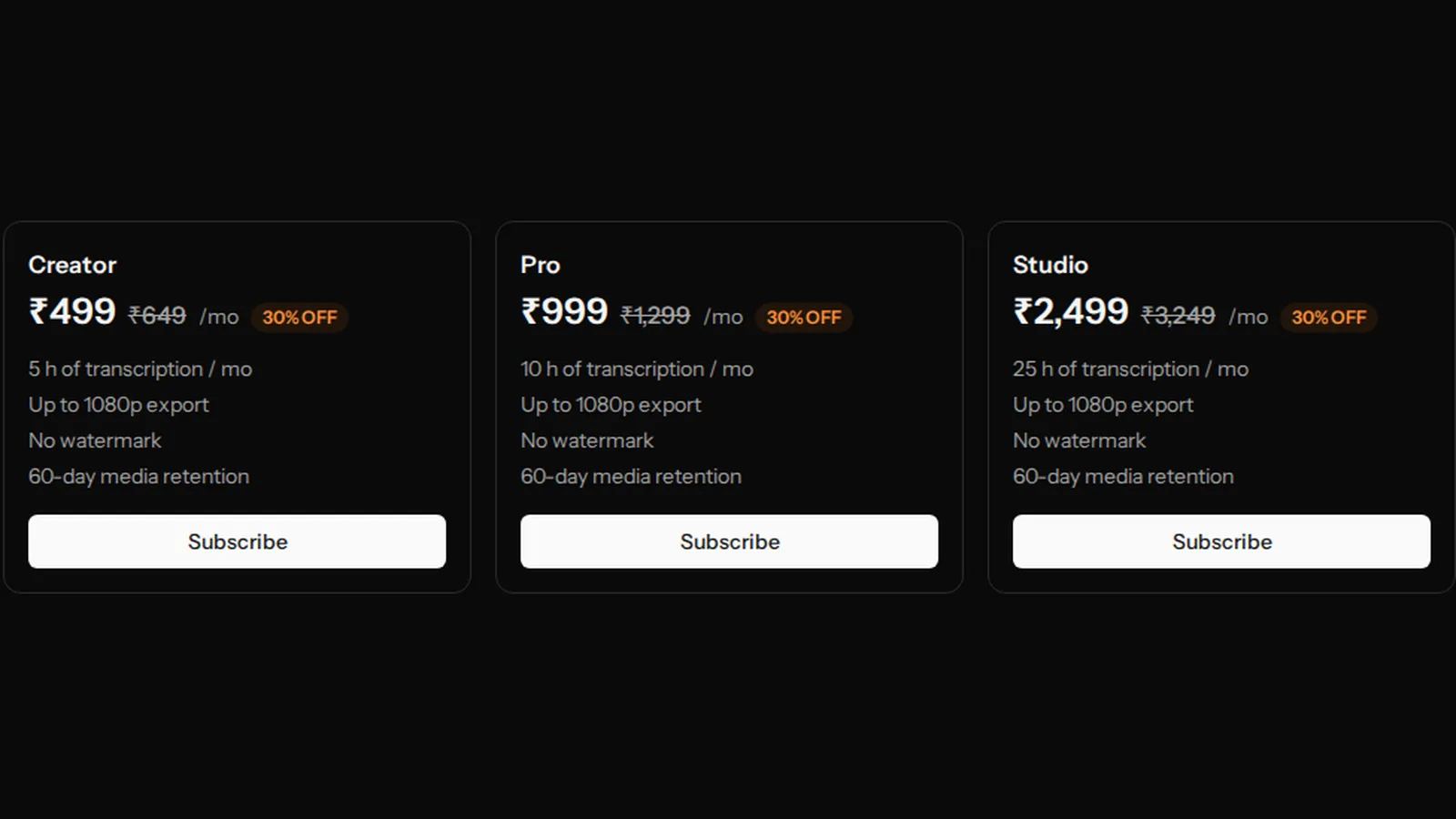
Each upload has a window that starts on the day it was uploaded: 7 days on the free plan, 60 days on Creator, Pro and Studio. When it passes, VidCarve removes:
- the original video and the editor's playback copy,
- the extracted audio, waveform and thumbnails,
- Studio sound's cleaned audio,
- B-roll files uploaded to the project (they are export inputs, like the source).
And keeps, indefinitely:
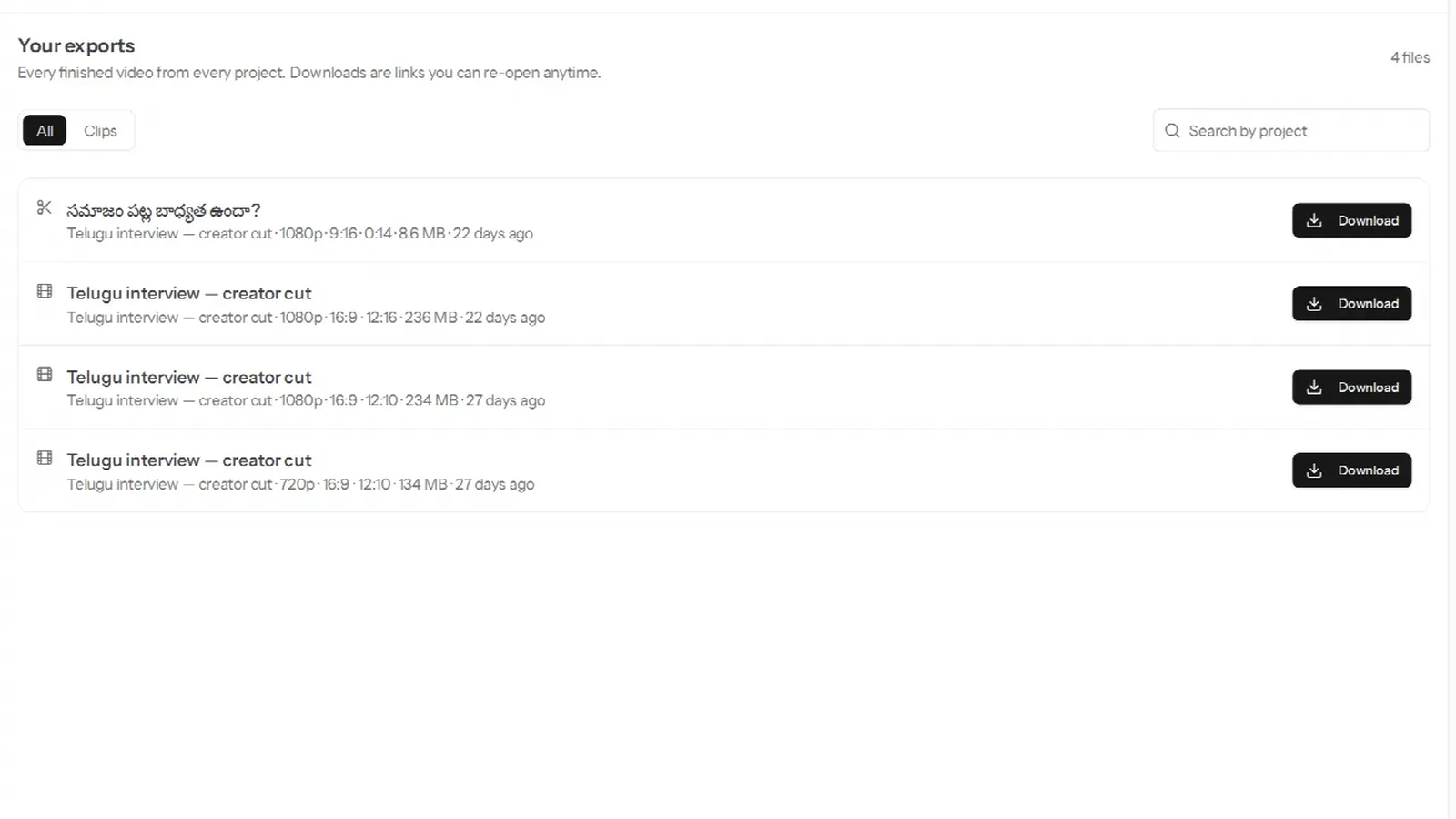
- every export — still downloadable from the project and from the Exports page,
- the transcript, still readable in the editor,
- your edit history, clips, chapters, speaker names and caption style.
The card then reads Media expired — transcript and exports kept; re-editing needs a new upload. That sentence is the whole policy: what you made is yours to keep; the raw material was the expensive part, and after two months it is very unlikely you are still cutting it. If you are, upload the same file to a new project — the glossary terms at account level and the caption presets are already there; the transcript will be regenerated (and re-metered, since it is a new upload).
The warning
Three days before a project's media expires, VidCarve emails you once. It is the moment to make the export you have been meaning to make. Nothing else is needed; there is no "extend" button, because the exports are the thing worth keeping and those are not going anywhere.
After a downgrade
If you cancel a paid plan, the free plan's 7-day window applies from then on — but never retroactively. Media that is already 40 days old on the day the paid period ends is not removed the next morning; it gets at least seven days from the downgrade. So a cancelled plan leaves you a week to export anything you have not.
What does deleting a project do?
Everything goes, permanently: video, transcript, edits and exports. The confirmation names the project and says exactly that, and there is no trash folder or undo. If you might want the exports later, download them first.
Two mechanics are worth knowing. First, the delete is accepted immediately and carried out in the background: the card reads Deleting… while a sweep removes potentially thousands of stored objects, and disappears when it is done. Second, if the project is mid-transcription or mid-export when you delete it, the delete waits for that job to finish rather than pulling the ground out from under it, then proceeds. Either way you do not have to watch it.
Deleting does not refund transcription minutes; they were spent when the transcript was made. It does reduce your storage total, as soon as the sweep completes.
The dashboard
The Dashboard is the short view: minutes left and the reset date, the number of projects and the storage total, the number of exports, then what needs you — a project waiting on payment or a failed upload — and what is in progress. It is the page to open when you want to know "is anything stuck?" without reading the whole list.
Frequently asked questions
Can I extend retention on one project?
No. The window is a plan property, not a per-project setting. Export what you want to keep; exports stay.
Does the transcript expire?
No. It is data, not media, and it stays with the project until you delete the project.
Does an exported file expire?
No. Download links expire after 24 hours and are re-created each time you click Download; the file behind them stays. See exporting and downloading.
Can I recover a deleted project?
No. The confirmation is the safety net; there is no recovery window, by design, so that "deleted" means storage you are no longer being asked about.
Is the sample project counted?
No — not in storage, not in retention. It is there to click around a finished transcript before your first upload, it never expires, and it cannot be deleted; it is a demonstration, not one of your projects.
Can I have more than one video in a project?
No. A project is one source video. A series is several projects, which is also why the glossary has an account level.
Next steps
- Export, download and keep your videos — the files that survive retention, and how to get them.
- Minutes, plans and top-ups — where the 7-day and 60-day windows come from.
- The complete beginner's guide — creating your first project.