How to Make a Talking-Head Video People Actually Finish
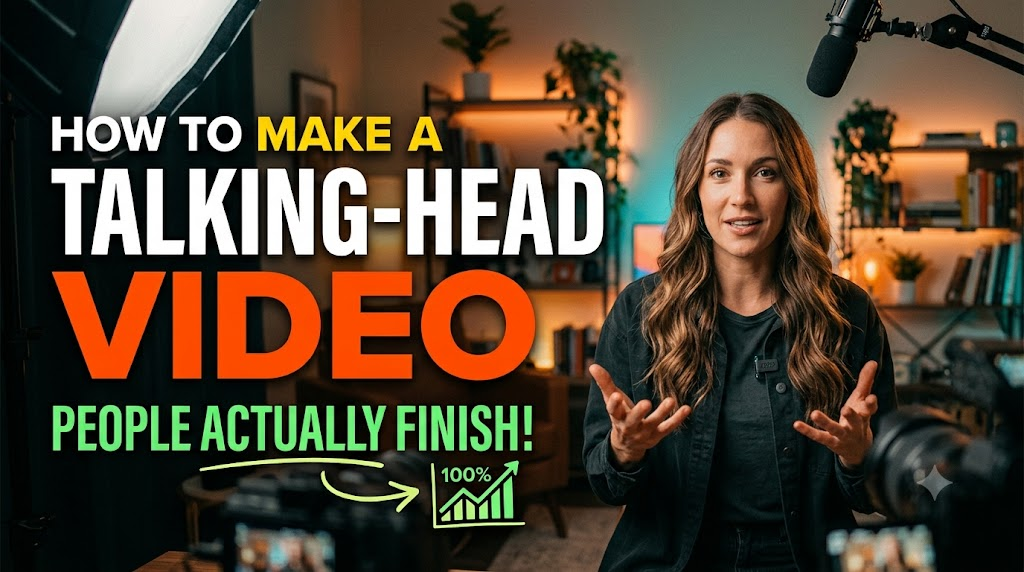
A talking-head video is one person speaking to the camera. It is the cheapest format there is — a phone, a chair, a wall — and the most unforgiving, because there is nothing on screen except you and nothing to hold the viewer except what you are saying and how it sounds. Most of them lose the viewer in the first fifteen seconds, for reasons that are fixable and mostly fixed before the record button is pressed.
This guide is in two halves: what to get right before recording, because it cannot be fixed afterwards, and what to fix afterwards, in the order that makes a monologue move.
The short version
- Before recording: sound first, then light, then framing; write the first sentence and the last; record in one posture.
- After recording: cut the structure, then the fillers, then the silences; cover the worst jumps with B-roll; add captions; export.
- The first fifteen seconds decide everything. Say the point, not the preamble.
Before recording: the four things that cannot be fixed later
1. Sound
Viewers forgive a soft picture and never forgive bad audio. The fixes are cheap and in order of return: get the microphone close — a lapel mic or a phone at arm's length beats a good camera mic across the room; kill the room — curtains, a rug, a cupboard of clothes behind the camera, anything that stops the echo; kill the hum — the fan, the fridge, the air conditioner, off for twenty minutes. A clean-up pass afterwards, such as VidCarve's Studio sound, can remove a steady hum and reduce echo, but it cannot put back what a distant mic never captured.
2. Light
Face a window. That is most of it: soft daylight from in front of you, not behind, at eye level. If there is no window, one lamp bounced off a wall or through a white sheet, from slightly above eye level and to one side. What to avoid is the overhead light alone, which puts your eyes in shadow, and a bright window behind you, which turns you into a silhouette that no setting can rescue.
3. Framing
Camera at eye level, never looking up at you. Eyes about a third of the way down the frame, a little space above the head, cut somewhere between chest and waist. Look at the lens, not the screen — on a phone, that means the small dot, not your own face. If you will make vertical clips from the recording, keep yourself centred and leave room either side; a 9:16 crop of a 16:9 frame keeps only the middle third, and a speaker off to one side is off the edge of it.
4. The script, or at least two sentences of it
A full script read from a teleprompter sounds read. No script at all sounds like a voicemail. The middle path is to write the first sentence and the last, word for word, and bullet the rest. The first sentence is the one that decides whether anyone stays, so it should be the point of the video, not "hi everyone, today I want to talk about". The last sentence is the one you will otherwise stumble through four times.
And then the recording habit that makes the edit easy: stay in one posture, and when you fluff a line, pause, go back to the start of the sentence, and say it again without moving. The edit will remove the first attempt and the cut between the two will be nearly invisible, because you are in the same place on both sides of it.
After recording: the order of the edit
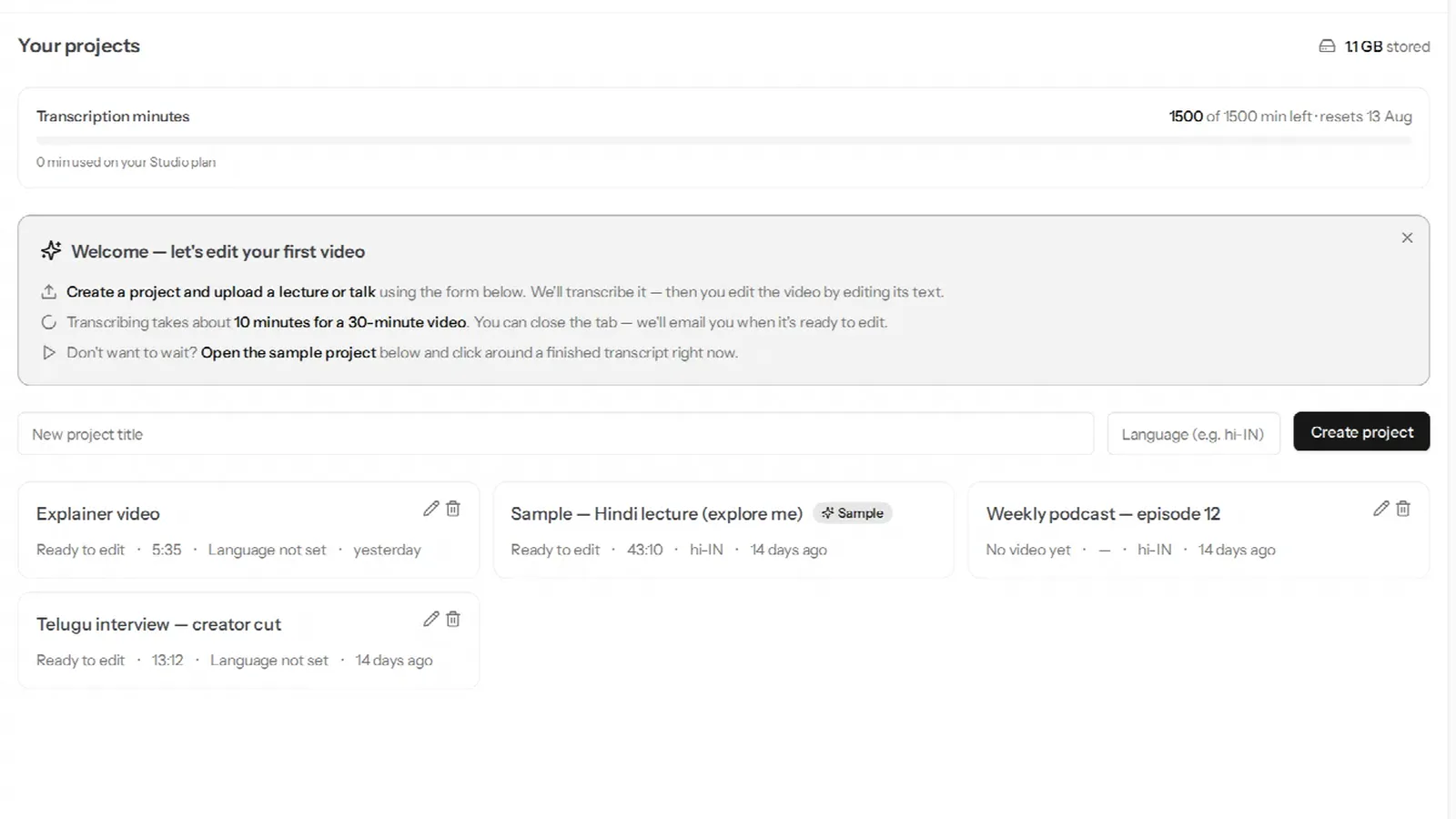
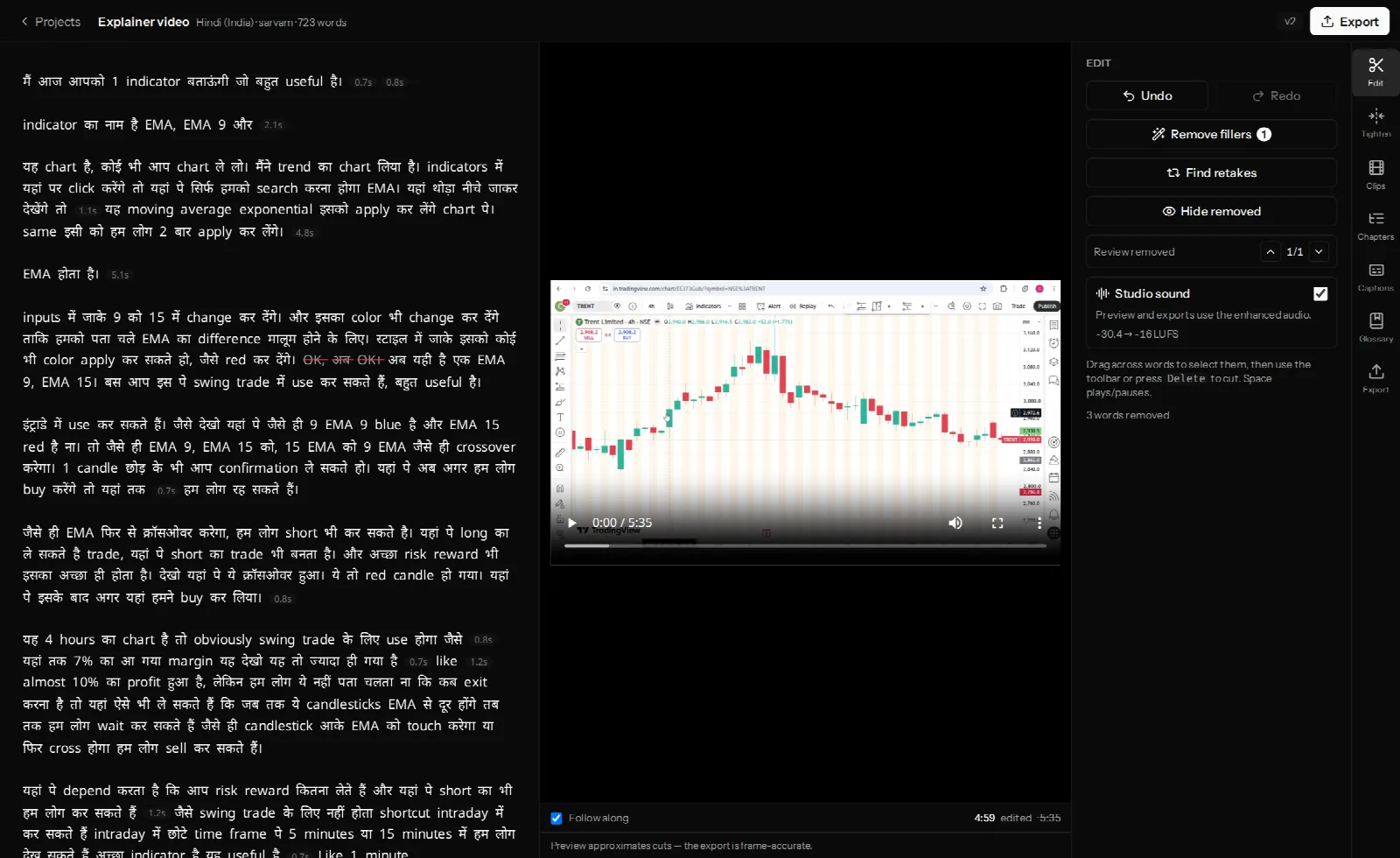
The order matters because each pass changes what the next one sees. This is the sequence for a transcript editor, where you cut by deleting words; the logic holds in any editor.
Pass one: read it, cut the structure
Read the transcript once, fast, as text. Delete whole sentences: the preamble before the point, the tangent, the second explanation of a thing already explained, the sign-off you did three times. This pass removes the most time and the most boredom, and it is the one nobody does when they edit by scrubbing a timeline, because reading is faster than watching.
Then run the retake finder, which pairs each restarted sentence with the attempt that replaced it, and accept the ones that are real retakes. That is where the one-posture habit pays off.
Pass two: fillers, with restraint
Remove the "um"s and "you know"s that are dead air, and keep the ones that are doing something — the hesitation before an honest admission is the honesty. A review dialog that shows each candidate in context is the right tool; a button that removes all of them is not. Detail in removing filler words, silences and retakes.
Pass three: silences, gently
Shorten the long pauses; do not remove them. A pause before a point is a drum roll; a pause after one is a chance to absorb it. Set the threshold so only the genuinely dead stretches — over a second and a half, say — are shortened, and to a short pause rather than to nothing. This is also where the cut count gets decided, and too many is as bad as too few: see jump cuts.
Pass four: cover the worst jumps
Play the cut through once and note the three or four places where you visibly jump — usually where you were gesturing. For each, ask what you were saying and whether a picture belongs: a screenshot, a slide with the figure, a photo. Place it over the words that span the cut and the jump is gone. A picture that is there only to hide a cut is a second-best; a picture that shows the thing you were describing and happens to hide a cut is the craft. What B-roll is for, and how to place it from the transcript.
Pass five: captions
Most talking-head video is watched on a phone, often muted, often on a train. Burned-in captions are not an accessibility extra; they are how a large share of the audience receives the words at all, and they give the eye something to do that makes a high cut density feel fine. For a Hindi, Telugu or Tamil video, the caption rendering — conjuncts, matras, mixed scripts — is a real test of the tool; what to check.
Export
At the resolution you recorded, captions on. Then make one vertical clip from the clearest minute to announce it. That is the whole workflow, and for a ten-minute video it takes about half an hour after the transcript arrives.
The first fifteen seconds
Everything above serves this. A viewer who arrives at a talking-head video is deciding, in the first sentence, whether the person is worth listening to and whether the video is about the thing they came for. So the first sentence is the point — the claim, the question, the result — and the introduction, if there is one at all, comes second. "Here is why your Hindi captions come out as boxes" beats "Hi, welcome back to the channel, today we're going to look at captions" by exactly the number of viewers who left during the second one.
If you recorded the preamble anyway, pass one is where it goes.
Frequently asked questions
How long should a talking-head video be?
As long as the point takes and no longer. The edit above typically removes a fifth to a third of the recording; if the result is still fifteen minutes and the point was one thing, the point was not one thing. For social, under a minute; for YouTube explainers, six to twelve minutes is where most of the well-performing ones sit.
Do I need a good camera?
No. A phone from the last five years, at 1080p, with the sound and light handled, produces a better video than a good camera with a bad microphone. Spend the first money on a microphone.
Should I use a teleprompter?
Only if you can read without it showing, which most people cannot. Two written sentences and bullets is the reliable middle.
How do I stop saying "um"?
Slow down and allow silence. Fillers are what people say instead of pausing; a pause is fine, and the edit shortens it anyway. Then remove the ones that got through, with restraint.
Does this work for a Hindi or Hinglish video?
Everything above is language-neutral except the transcript, and that is the part VidCarve was built for — Hindi in Devanagari, English words in Latin letters, in the same sentence. What decides the transcript's quality is worth reading before the first upload.
Next steps
- The complete beginner's guide to editing in VidCarve — the five passes, with the buttons.
- Jump cuts, and how to make them look intentional
- Turn a long video into vertical clips — the announcement clip.